If you’ve been watching AI agents stumble through demos but fail in production, MCP is the reason that’s about to change.
TL;DR — The Quick Take
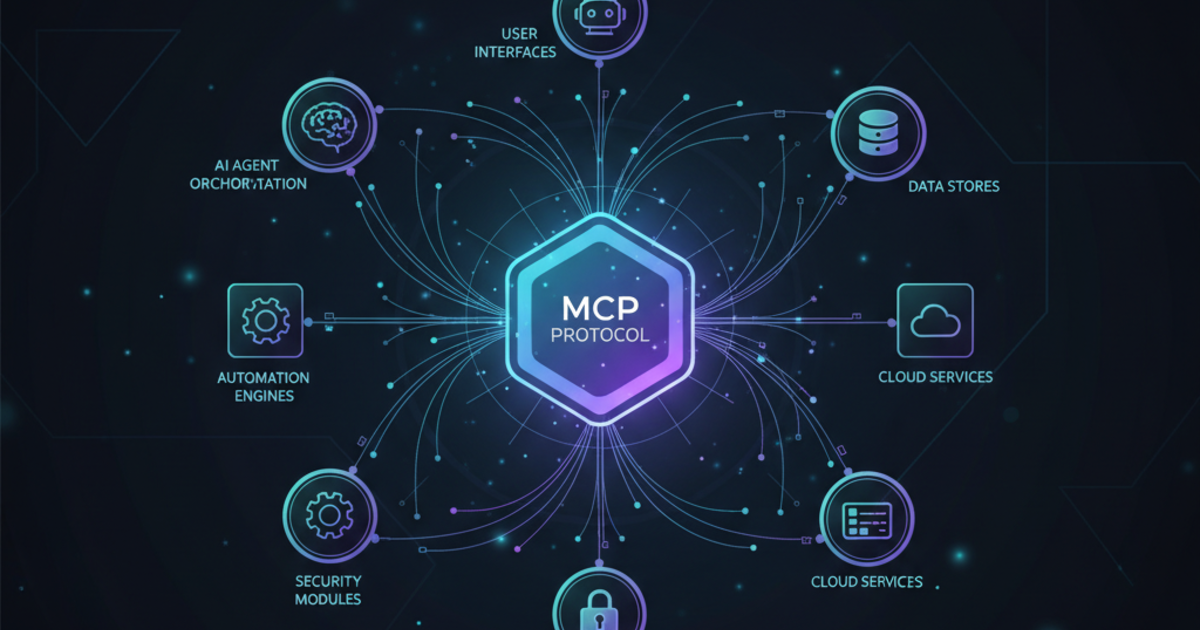
MCP (Model Context Protocol) is the open standard that lets AI models connect to any tool, database, or API. Think of it as USB-C for AI — one protocol to rule them all. Anthropic created it, then donated it to the Linux Foundation. OpenAI, Google, Microsoft, and AWS are now on board. If you’re building with AI, you need to understand MCP.
What the Hell Is MCP?
MCP stands for Model Context Protocol. It’s an open standard that solves a fundamental problem: how does an AI actually do things in the real world?
Before MCP, every AI provider had their own proprietary way of connecting to tools:
- OpenAI had function calling and ChatGPT plugins
- Anthropic had tool use
- Google had their own thing
- Every integration was custom-built, vendor-locked, and a maintenance nightmare
MCP changes that. It’s a universal protocol — based on JSON-RPC 2.0 and inspired by the Language Server Protocol (LSP) that powers VS Code — that lets any AI model connect to any tool through a standardized interface.
The USB-C Analogy
Think about USB-C. Before it, you had a drawer full of different cables — Mini-USB, Micro-USB, Lightning, proprietary laptop chargers. USB-C said: “one connector, everything works.”
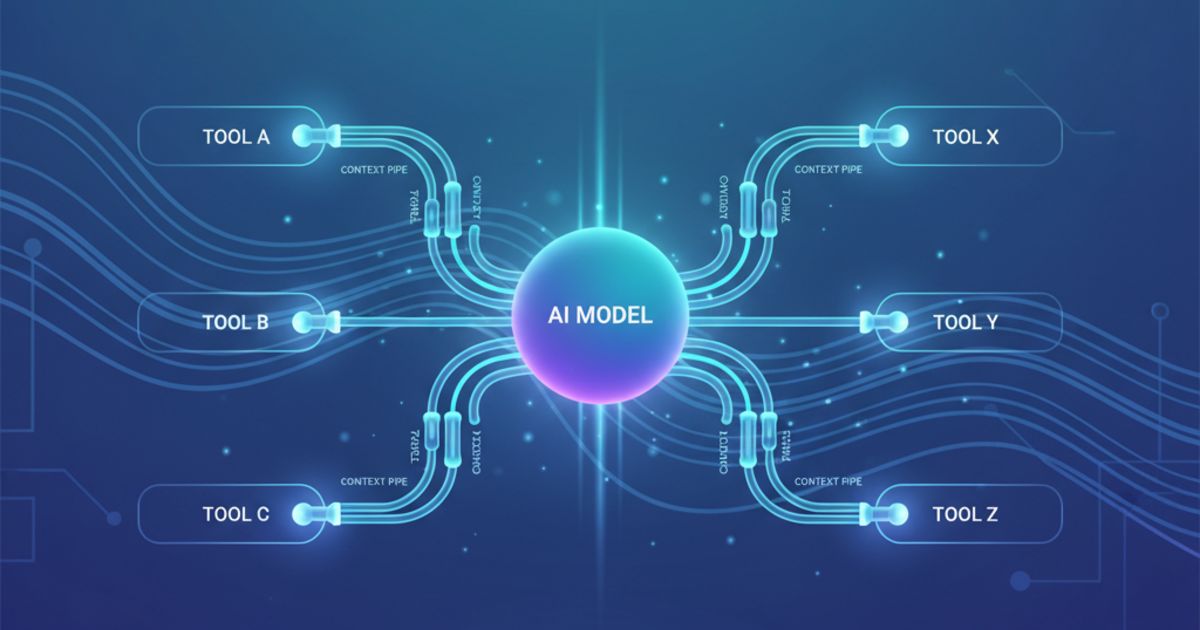
MCP is USB-C for AI. One protocol. Any AI model. Any tool. No vendor lock-in.
Why Does This Matter in 2026?
Three words: AI agents are real now.
We’ve all seen the demos. AI that can browse the web, write code, manage your calendar, send emails. Cool in a video. Useless in practice — until MCP.
Here’s what changed:
1. Industry Consolidation
In December 2025, Anthropic donated MCP to the Agentic AI Foundation (AAIF) under the Linux Foundation. The co-founders? Anthropic, Block, and — surprisingly — OpenAI.
That’s right. OpenAI killed their Assistants API and adopted MCP. Google DeepMind, Microsoft, AWS, and Cloudflare are all supporting it. When your competitors decide to share infrastructure, that’s not collaboration — that’s inevitability.
2. Real Portability
Write an MCP server once. It works with:
- Claude (Desktop, Code, API)
- ChatGPT (Developer Mode)
- Cursor, VS Code, any IDE with MCP support
- Custom agents built with any framework
Your integration investment doesn’t get stranded when you switch providers.
3. The Ecosystem Exploded
There are now thousands of MCP servers covering:
- Databases: PostgreSQL, MySQL, ClickHouse, MongoDB
- Code: GitHub, GitLab, file systems
- Productivity: Notion, Linear, Asana, Slack
- APIs: Any REST or GraphQL endpoint
- Browsers: Puppeteer, Playwright for web automation
The ecosystem is where the value is. And it’s growing fast — we curated the best MCP servers and tools worth installing right now.
How MCP Works (Without the PhD)
MCP has a simple client-server architecture:
┌─────────────┐     MCP      ┌─────────────┐
│   AI Host   │◄────────────►│ MCP Server  │
│ (Claude,    │   JSON-RPC   │ (Your Tool) │
│  ChatGPT)   │              │             │
└─────────────┘              └─────────────┘
MCP Servers expose capabilities:
- Tools: Actions the AI can take (run query, send message, create file)
- Resources: Data the AI can read (files, database records, API responses)
- Prompts: Pre-built prompt templates for common tasks
MCP Hosts (like Claude Desktop or ChatGPT) connect to servers and make those capabilities available to the AI model.
The protocol handles authentication, capability discovery, and message passing. You focus on what your tool does, not how to wire it up.
Getting Started: The Practical Guide
If You’re Using Claude Desktop
Claude Desktop has native MCP support. Here’s how to add a server:
-
Find your config file:
- Mac:
~/Library/Application Support/Claude/claude_desktop_config.json - Windows:
%APPDATA%\Claude\claude_desktop_config.json
- Mac:
-
Add your server:
{
  "mcpServers": {
    "filesystem": {
      "command": "npx",
      "args": ["-y", "@modelcontextprotocol/server-filesystem", "/Users/you/projects"]
    }
  }
}- Restart Claude Desktop. Your files are now accessible.
If You’re Using ChatGPT
ChatGPT supports MCP via Developer Mode:
- Enable Developer Mode in Settings
- Go to Settings → Connectors
- Point it at your MCP server’s HTTPS endpoint (use ngrok for local servers)
OpenAI’s documentation has the full setup: platform.openai.com/docs/guides/developer-mode
If You’re Using Claude Code (CLI)
Claude Code automatically discovers MCP servers. Just run servers in your project, and they’re available.
Best MCP Servers to Start With
Here are the essentials — production-tested, widely adopted:
For Developers
| Server | What It Does | Why You Need It |
|---|---|---|
| GitHub | Repos, issues, PRs | AI-assisted code review and project management |
| PostgreSQL | Database queries | Natural language database access |
| Filesystem | Read/write files | Let AI work with your local projects |
| Context7 | Fetch up-to-date docs | AI gets current documentation, not training cutoff |
For Productivity
| Server | What It Does | Why You Need It |
|---|---|---|
| Notion | Pages, databases | AI-powered second brain |
| Slack | Messages, channels | Automate team communication |
| Linear | Issues, projects | AI project management |
| Google Drive | Docs, sheets | Connect your document workflow |
For Research
| Server | What It Does | Why You Need It |
|---|---|---|
| Brave Search | Web search | Real-time information access |
| Exa | Semantic search | Find relevant content, not just keywords |
| Puppeteer | Browser automation | Scrape and interact with websites |
The official registry at github.com/modelcontextprotocol/servers has hundreds more.
Building Your Own MCP Server
If you have an internal tool or API, building an MCP server is straightforward:
import { Server } from "@modelcontextprotocol/sdk/server";
import { StdioServerTransport } from "@modelcontextprotocol/sdk/server/stdio";

const server = new Server({
  name: "my-tool",
  version: "1.0.0"
});

// Define a tool
server.tool("get_weather", {
  description: "Get current weather for a city",
  inputSchema: {
    type: "object",
    properties: {
      city: { type: "string" }
    },
    required: ["city"]
  }
}, async ({ city }) => {
  // Your logic here
  return { temperature: 22, conditions: "sunny" };
});

// Start the server
const transport = new StdioServerTransport();
await server.connect(transport);
The SDK handles all the protocol plumbing. You write business logic.
What’s Coming Next
The MCP roadmap for 2026 includes:
- MCP Apps: Full UI components that AI can render, not just tools
- Streaming Resources: Real-time data feeds, not just request-response
- Better Auth: OAuth flows built into the protocol
- Remote Servers: First-class support for cloud-hosted MCP servers
The Agentic AI Foundation is also standardizing AGENTS.md — a specification for how AI agents should behave in codebases. Already adopted by 60,000+ open source projects.
The Bottom Line
MCP isn’t hype. It’s infrastructure.
The fact that OpenAI abandoned their proprietary approach to join Anthropic’s open standard tells you everything. The AI industry is standardizing on MCP because the alternative — fragmented, vendor-locked integrations — doesn’t scale.
For freelancers and small businesses, this is good news:
- Your tool investments become portable
- The ecosystem grows faster because everyone’s building on the same foundation
- AI agents can finally do real work because they can actually connect to your stuff
Start with one or two MCP servers. Get Claude Desktop or ChatGPT connected to your tools. The productivity unlock is real. (Want to see MCP in action? Check out our best AI agents guide for tools that use it.) For solopreneurs ready to put MCP to work in real automated workflows, our AI agents for solopreneurs guide walks through practical setups. And for automation platforms that integrate with MCP-powered agents, see our Zapier vs Make vs n8n comparison.
For coding-specific AI tools that leverage MCP, see our best AI coding assistants guide.
Resources
- Official Docs: modelcontextprotocol.io
- Server Registry: github.com/modelcontextprotocol/servers
- AAIF Announcement: linuxfoundation.org/press/agentic-ai-foundation
📬 Get weekly AI tool reviews and comparisons delivered to your inbox — subscribe to the AristoAIStack newsletter.
Keep Reading
- Best AI Agents 2026
- Best MCP Servers and Tools for AI Agents
- 7 Best AI Coding Assistants Ranked
- Claude Cowork Plugins: The Market Collapse
- AI Productivity Stack for Solopreneurs
Last updated: February 2026