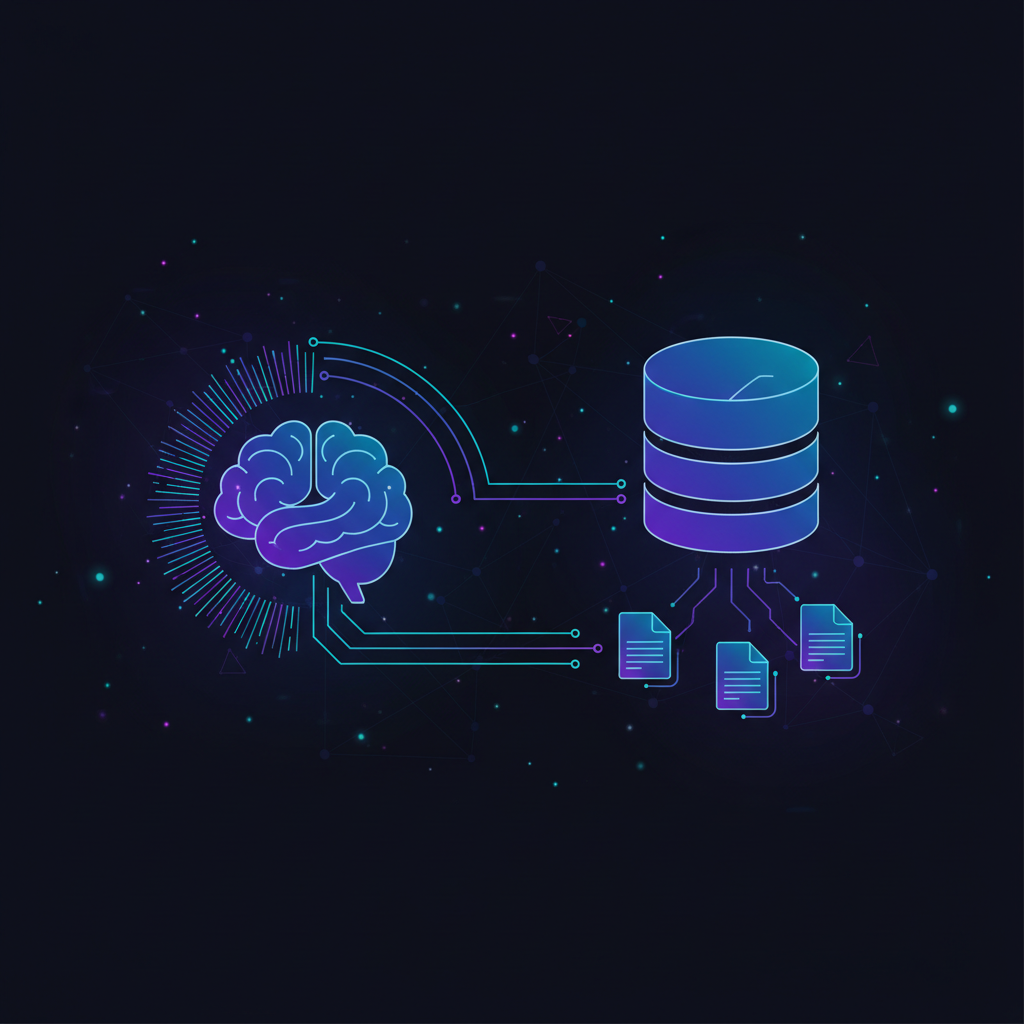
RAG (Retrieval-Augmented Generation) is an AI architecture that enhances large language model responses by retrieving relevant information from external knowledge sources — documents, databases, APIs — and injecting that context into the prompt before the model generates its answer. Instead of relying solely on training data, RAG gives LLMs access to current, domain-specific information without retraining.
That’s the textbook answer. Here’s the real one: RAG is how you make LLMs actually useful for your data.
RAG is the most practical way to give LLMs access to your private data without fine-tuning. It's cheaper, faster to implement, and keeps your information current. Start here before considering fine-tuning.
TL;DR
- RAG = Retrieve + Generate — fetch relevant documents, stuff them into the prompt, let the LLM answer with real context
- Why it matters: LLMs hallucinate less, stay current, and work with your private data — no retraining needed
- RAG vs fine-tuning: RAG for factual accuracy and dynamic data; fine-tuning for behavior and style changes
- Key stack: Embedding model + vector database + LLM + orchestration framework (LangChain, LlamaIndex)
- Start simple: A basic RAG pipeline takes an afternoon to build. Production RAG takes months to optimize.
How RAG Works (Step by Step)
Every RAG system follows the same core loop. Here’s what actually happens when a user asks a question:
1. Ingestion (Offline)
Before anything works, you need to prepare your knowledge base:
- Load documents — PDFs, web pages, Notion exports, Slack threads, whatever you’ve got
- Chunk them — Split documents into smaller pieces (typically 256-1024 tokens)
- Embed them — Convert each chunk into a vector (a list of numbers that captures meaning)
- Store them — Save vectors in a vector database (Pinecone, Chroma, Weaviate, pgvector)
This is a one-time setup (plus incremental updates as your data changes).
2. Retrieval (At Query Time)
When a user asks a question:
- Embed the query — Convert the question into a vector using the same embedding model
- Search — Find the most similar document chunks using vector similarity (cosine similarity, dot product)
- Rank and filter — Pick the top-k most relevant chunks (usually 3-10)
3. Generation (The LLM Does Its Thing)
- Build the prompt — Combine the retrieved chunks with the user’s question into a structured prompt
- Generate — Send to the LLM (GPT-4, Claude, Gemini, Llama, etc.)
- Return — The model answers grounded in the retrieved context
Here’s what that prompt typically looks like under the hood:
System: Answer based on the provided context. If the context
doesn't contain the answer, say so.

Context:
[Chunk 1: "Our refund policy allows returns within 30 days..."]
[Chunk 2: "Extended warranties cover manufacturing defects..."]
[Chunk 3: "Contact support@company.com for refund requests..."]

User: What's your refund policy?
That’s it. The elegance of RAG is that it’s conceptually simple — the devil is in the implementation details.
Why RAG Matters
The Hallucination Problem
LLMs make things up. Confidently. With perfect grammar. Ask GPT about your company’s refund policy and it’ll fabricate one that sounds plausible but is completely wrong.
RAG doesn’t eliminate hallucinations, but it drastically reduces them by giving the model real source material to reference. Research from Meta’s original RAG paper showed significant improvements in factual accuracy across knowledge-intensive tasks.
The Freshness Problem
GPT-4’s training data has a cutoff. Claude’s too. Your company’s Q1 2026 earnings report? Not in there. Last week’s product update? Nope.
RAG solves this because the knowledge base can be updated in real-time. New document? Embed it, store it, done. The LLM now has access to information that didn’t exist when it was trained.
The Privacy Problem
You can’t (and shouldn’t) fine-tune OpenAI’s models on your proprietary data for most use cases. But with RAG, your data stays in your vector database. The LLM only sees the relevant chunks at query time. You control what goes in and what stays out.
Real-World Use Cases
- Customer support chatbots — Answer questions from your knowledge base, not the internet
- Internal search — “What did we decide about the pricing change in Q3?” across Slack, Notion, and email
- Legal research — Search case law and contracts with natural language
- Code documentation — Ask questions about your codebase in plain English
- Healthcare — Query medical literature while maintaining HIPAA compliance
RAG vs Fine-Tuning: When to Use Each
This is the question everyone asks. Here’s the honest answer: start with RAG, fine-tune only when you have to.
RAG vs Fine-Tuning — Head to Head
RAG
- No model retraining — fast to set up and iterate
- Data stays current with real-time updates
- Reduces hallucinations with source grounding
- Works with any LLM (swap models freely)
- Your data stays in your infrastructure
- Retrieval quality is a bottleneck — garbage in, garbage out
- Latency increases with retrieval step (~200-500ms added)
- Context window limits constrain how much you can retrieve
- Complex to optimize at scale (chunking, re-ranking, hybrid search)
Fine-Tuning
- Teaches the model new behaviors, tone, and formats
- No retrieval latency — knowledge is baked in
- Better for structured output patterns
- Expensive and time-consuming to train
- Data becomes stale — needs retraining for updates
- Can increase hallucinations (model becomes more confident)
- Vendor lock-in to specific model versions
The rule of thumb: Use RAG when you need the model to know things. Use fine-tuning when you need the model to do things differently. Use both when you need both (RAG + fine-tuned model is a powerful combo).
Popular RAG Tools and Frameworks
Orchestration Frameworks
LangChain — The Swiss Army knife. Massive ecosystem, tons of integrations, active community. Can be over-engineered for simple use cases, but it’s the default choice for a reason.
LlamaIndex — Purpose-built for RAG. Better abstractions for document loading, indexing, and querying. Less general-purpose than LangChain, but more focused on what matters for retrieval.
Haystack — Deepset’s production-ready framework. Excellent for search-oriented RAG. Strong pipeline architecture.
Vector Databases
- Pinecone — Fully managed, zero-ops. Best developer experience. Paid only.
- Weaviate — Open-source with a managed cloud option. Great hybrid search (vector + keyword).
- Chroma — Lightweight, developer-friendly. Perfect for prototyping and small-to-medium workloads.
- pgvector — Postgres extension. If you’re already on Postgres, this is the simplest path.
- Qdrant — Rust-based, blazing fast. Open-source with strong filtering capabilities.
- Milvus — Built for massive scale. Overkill for most, essential for billion-vector workloads.
Embedding Models
- OpenAI text-embedding-3-large — Best commercial option. 3072 dimensions, excellent accuracy.
- Cohere embed-v4 — Strong multilingual support, excellent for diverse document collections.
- BGE / E5 (open-source) — Free, self-hosted, competitive quality. Great for privacy-sensitive deployments.
- Voyage AI — Specialized embeddings for code, legal, and financial domains.
Building a RAG Pipeline: A Practical Example
Here’s a minimal RAG system in Python. This is the “hello world” — enough to understand the pattern:
from langchain_community.document_loaders import TextLoader
from langchain.text_splitter import RecursiveCharacterTextSplitter
from langchain_openai import OpenAIEmbeddings, ChatOpenAI
from langchain_community.vectorstores import Chroma
from langchain.chains import RetrievalQA

# 1. Load and chunk your documents
loader = TextLoader("company_docs.txt")
docs = loader.load()

splitter = RecursiveCharacterTextSplitter(
    chunk_size=500,
    chunk_overlap=50
)
chunks = splitter.split_documents(docs)

# 2. Create embeddings and store in vector DB
embeddings = OpenAIEmbeddings(model="text-embedding-3-small")
vectorstore = Chroma.from_documents(chunks, embeddings)

# 3. Build the RAG chain
llm = ChatOpenAI(model="gpt-4o")
qa_chain = RetrievalQA.from_chain_type(
    llm=llm,
    retriever=vectorstore.as_retriever(
        search_kwargs={"k": 5}
    ),
)

# 4. Ask questions
answer = qa_chain.invoke("What is our refund policy?")
print(answer["result"])
Cost for this setup: ~$0.01 per query (embedding + LLM call). A production system serving 10,000 queries/day runs roughly $100-300/month depending on your LLM choice.
RAG Best Practices
Chunking Strategy Matters More Than You Think
Bad chunking is the #1 reason RAG systems underperform. Here’s what works:
- Chunk size: 256-512 tokens for precise retrieval, 512-1024 for more context per chunk
- Overlap: 10-20% overlap between chunks prevents cutting sentences mid-thought
- Semantic chunking: Split by sections/paragraphs, not arbitrary token counts
- Metadata: Attach source, date, and category to every chunk for filtering
Hybrid Search > Pure Vector Search
Vector search alone misses exact matches. “Error code E-4021” might not be semantically close to anything, but it’s an exact keyword match. Combine vector search with BM25/keyword search for the best of both worlds. Weaviate and Elasticsearch make this easy.
Re-Ranking Is Your Secret Weapon
The initial retrieval gets you candidates. A re-ranker (like Cohere Rerank or a cross-encoder model) scores those candidates against the actual query. This consistently improves answer quality by 10-25%.
Evaluation Is Non-Negotiable
You can’t improve what you don’t measure. Track these metrics:
- Retrieval precision — Are the retrieved chunks actually relevant?
- Answer faithfulness — Does the answer stick to the retrieved context?
- Answer relevance — Does the answer actually address the question?
Tools like Ragas and DeepEval automate this.
Common RAG Pitfalls (What Nobody Tells You)
1. “Just Throw Everything In”
More data ≠ better answers. If your knowledge base is full of outdated docs, contradictory information, and irrelevant noise, your RAG system will confidently retrieve garbage. Curate your data ruthlessly.
2. Ignoring Chunk Boundaries
If a critical answer spans two chunks and neither chunk alone contains enough context, your RAG system will miss it. Overlapping chunks and parent-child retrieval strategies help, but you need to test for this.
3. One Embedding Model For Everything
Code, legal documents, and casual FAQs have very different semantic structures. A single embedding model might excel at one and fail at others. Consider domain-specific embedding models for specialized content.
4. Skipping the “No Answer” Path
When the retrieved context doesn’t contain the answer, the LLM should say “I don’t know” — not hallucinate. Explicitly instruct the model to admit uncertainty, and test that it actually does.
5. Not Planning for Scale
A prototype with 100 documents works differently from a production system with 10 million chunks. Plan your vector database, indexing strategy, and caching from the start. Retrofitting is painful.
What’s Next for RAG?
RAG is evolving fast. Here’s what’s on the horizon in 2026:
- Agentic RAG — LLMs that decide what to retrieve, when, and how — using tools and multi-step reasoning instead of a single retrieval pass. This is where AI agents meet RAG.
- Graph RAG — Combining knowledge graphs with vector retrieval for better relationship understanding. Microsoft’s GraphRAG project showed promising results for multi-hop questions.
- Multimodal RAG — Retrieving images, tables, and diagrams alongside text. Essential for technical documentation and medical records.
- Memory-augmented RAG — Persistent AI memory systems that learn from conversations and improve retrieval over time.
The Bottom Line
RAG isn’t just a technique — it’s becoming the default architecture for any AI application that needs to work with real-world data. The pattern is simple (retrieve, augment, generate), but production-grade RAG requires thoughtful engineering across chunking, embeddings, retrieval, and evaluation.
The good news? You can build a working prototype in an afternoon. The bad news? You’ll spend months optimizing it. But that’s true of any system worth building.
Start with the basics. Measure everything. Iterate relentlessly. That’s how you build RAG that actually works.
Building AI applications? Check out our guides on ChatGPT vs Claude for choosing the right LLM, and our deep dive into AI memory infrastructure for the next evolution beyond RAG.