If you’re drowning in research, you’re not alone. Whether you’re a student wrestling with a thesis, a professional staying current in your field, or just someone who refuses to accept “I don’t know” as an answer — AI research tools have become essential.
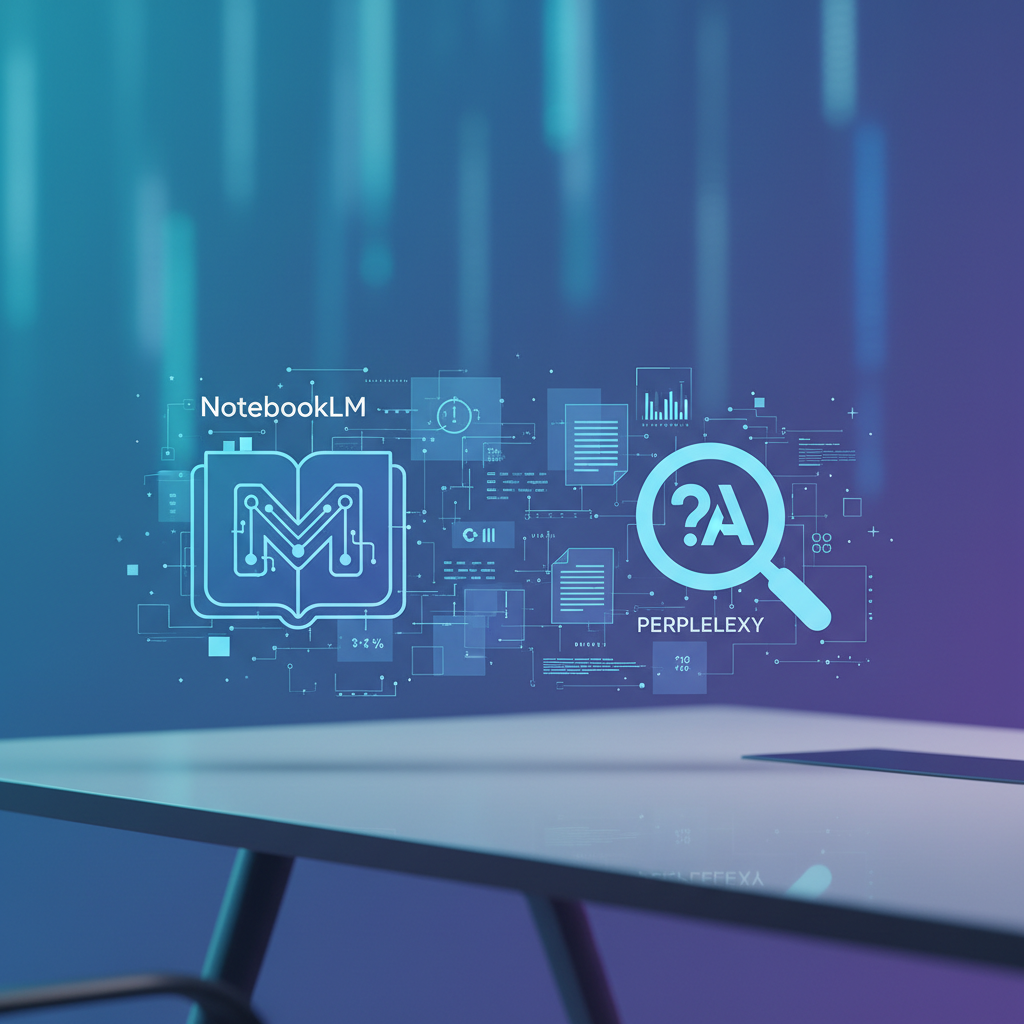
But here’s the problem: there are now too many options. And two names keep coming up in 2026: Google’s NotebookLM and Perplexity AI. Both claim to revolutionize how you find and process information. Both have passionate fans. And both approach the same problem in completely different ways.
I’ve spent considerable time with both tools. Here’s what I actually found.
The Quick Verdict (TL;DR)
Choose Perplexity if: You need fast, accurate answers with citations. You want to search the web and get summarized, digestible results. You’re doing quick research or fact-checking.
Choose NotebookLM if: You have documents you want to deeply understand. You’re analyzing PDFs, creating study materials, or want AI-generated podcasts from your content. You need to work with your data, not the internet.
The bottom line: These tools aren’t really competitors — they’re complementary. Perplexity searches the web; NotebookLM analyzes your documents. The right choice depends entirely on what you’re trying to do.
NotebookLM: Your Personal Research Library
Google’s NotebookLM started as a clever experiment and has evolved into something genuinely useful. Think of it as an AI that reads your documents so you don’t have to — or rather, so you can understand them faster.
What NotebookLM Actually Does
You upload sources — PDFs, Google Docs, websites, YouTube videos — and NotebookLM creates an AI workspace around them. You can then ask questions, generate summaries, create study guides, and the AI only draws from your sources. No hallucinations about random internet content. Just your documents.
The killer feature? Audio Overview. NotebookLM can generate a podcast-style discussion between two AI hosts who break down your content. It sounds gimmicky until you try it. Suddenly that 50-page research paper becomes a 10-minute conversation you can listen to while doing dishes. The AI hosts banter, make jokes, highlight key points, and explain complex concepts in plain English.
NotebookLM Pricing (2026)
- Free tier: Surprisingly generous. 3 notebooks, 50 sources per notebook, Audio Overviews included
- NotebookLM Plus (via Google One AI Premium, ~$20/month): Higher limits, faster processing, team sharing
- NotebookLM Ultra ($250/month): Announced at Google I/O 2025 — enterprise-grade limits and features
For most users, the free tier is plenty. The Plus tier makes sense if you’re hitting limits regularly or need collaboration features.
NotebookLM Strengths
- Document-grounded responses: Every answer cites specific passages from your sources. No making stuff up.
- Audio Overview podcasts: Genuinely game-changing for processing dense material
- Source flexibility: PDFs, docs, websites, YouTube transcripts — it handles most formats
- Study guide generation: Creates flashcards, FAQs, and briefing docs automatically
- AI-generated videos: Recent addition that creates visual explanations from your content
Where NotebookLM Falls Short
In my testing — and backed by other comparisons — NotebookLM sometimes goes too deep. Ask a simple question and you might get 22 sources analyzed, a detailed infographic, multiple document recommendations, and a video… when all you wanted was a quick answer.
It’s also purely focused on your uploaded documents. If your answer requires current information from the web, NotebookLM can’t help. It’s a closed system by design.
Perplexity: The AI Search Engine That Actually Works
Perplexity approaches research from the opposite direction. Instead of analyzing your documents, it searches the entire internet and synthesizes what it finds. Think of it as Google Search meets ChatGPT — but with citations.
What Perplexity Actually Does
You ask a question. Perplexity searches multiple sources, reads them, and gives you a concise answer with footnotes linking to the original content. No more opening 10 tabs and piecing together information yourself.
The Deep Research feature (available in Pro) goes further — it conducts multi-step research, following leads, comparing sources, and producing comprehensive reports. It’s like having a research assistant who doesn’t get tired.
Perplexity Pricing (2026)
- Free tier: Basic searches, limited Pro searches per day
- Perplexity Pro ($20/month or $200/year): Unlimited Pro searches, access to Claude, GPT-5, and other premium models, $5 monthly API credit
- Max tier ($200/month): For power users who need everything
- Enterprise: Starts at $40/seat, scales up with features
The free tier is functional but limited. If you’re doing regular research, Pro is worth it for the unlimited searches and model selection alone.
Perplexity Strengths
- Real-time information: Searches the current web, perfect for news, recent developments, trending topics
- Clear citations: Every claim links back to its source. Trust but verify is easy.
- Concise answers: Perplexity summarizes effectively without overwhelming you
- Model flexibility: Pro users can switch between Claude, GPT-5, and others depending on the task
- Perplexity Spaces: Organize research into collections with persistent context
Where Perplexity Falls Short
Perplexity is only as good as what’s publicly available online. If your research involves proprietary documents, internal reports, or unpublished materials — it can’t help. It’s a web search tool, not a document analysis tool.
It can also sometimes feel too concise. While NotebookLM might overwhelm you with information, Perplexity occasionally under-delivers, requiring follow-up questions to get the depth you need.
Head-to-Head Comparison
| Feature | NotebookLM | Perplexity |
|---|---|---|
| Best for | Analyzing your own documents | Searching the web |
| Input sources | PDFs, Docs, YouTube, websites (limited) | The entire internet |
| Citations | Your uploaded sources only | Web sources with links |
| Audio/Podcast | ✅ Audio Overview feature | ❌ |
| Real-time info | ❌ Only your documents | ✅ Current web results |
| Free tier | Generous (3 notebooks, 50 sources) | Basic (limited Pro searches) |
| Paid tier | $20/mo (via Google One) | $20/mo |
| Collaboration | Team sharing (Plus) | Spaces for organization |
| Depth vs Speed | Very deep, sometimes too much | Concise, sometimes too brief |
| Hallucination risk | Low (source-grounded) | Low (citation-backed) |
Which One Should You Use?
Use NotebookLM When:
- You’re studying: Upload your textbook chapters, lecture notes, and readings. Generate Audio Overviews to review on your commute. Create flashcards for exam prep.
- You’re analyzing documents: Got a stack of PDFs to review? Let NotebookLM read them and answer your questions.
- You want to understand complex material: The podcast feature genuinely helps with dense academic or technical content.
- Privacy matters: Your documents stay with Google (decide if you trust that), but they’re not being searched by random web queries.
Use Perplexity When:
- You need current information: News, recent developments, what happened this week — Perplexity searches live.
- You’re fact-checking: Quick verification with cited sources is Perplexity’s bread and butter.
- You’re exploring a new topic: Start broad, follow threads, let Perplexity guide you through what’s out there.
- You need actionable answers fast: “Best budget laptop 2026” or “how to fix React hydration errors” — Perplexity excels at practical queries.
Use Both When:
Honestly? The power move is using both.
Start with Perplexity to explore a topic and find key sources. Download the best papers and reports. Upload them to NotebookLM for deep analysis. Use Audio Overview to internalize the material. Return to Perplexity to check for updates or find additional sources.
This workflow combines Perplexity’s breadth with NotebookLM’s depth. It’s what I do for any serious research project. If you want to take your knowledge management further, see our comparison of Notion AI vs Obsidian for building a second brain.
Real-World Test: What Happens When You Ask Both the Same Question?
To make this concrete, I tested both tools with the same research prompt: “What are the most effective ways to keep houseplants healthy in low-light apartments?”
NotebookLM’s approach: It assembled 23 sources, created a detailed infographic with “five pillars of care,” generated a breakdown covering plant species, watering strategies, light thresholds, and even created an AI-generated video explanation. Comprehensive? Absolutely. Overwhelming for a simple question? Also yes.
Perplexity’s approach: Concise bullet points with source links. A manageable list of recommended plants (pothos, snake plants, ZZ plants) with care instructions. Direct links to dig deeper if I wanted. I had my answer in 30 seconds.
The pattern held across multiple tests. NotebookLM consistently goes deep — sometimes too deep. Perplexity consistently delivers digestible answers that respect your time. Neither is wrong; they serve different research styles.
The Verdict
After testing both extensively, I don’t think the question is “which one should I use?” — it’s “which one do I need right now?”
Perplexity wins for: Speed, current information, web research, quick answers, fact-checking.
NotebookLM wins for: Document analysis, study materials, processing your own sources, that incredible Audio Overview feature.
If I could only keep one, I’d pick Perplexity — simply because most of my research starts with “what’s out there?” rather than “what’s in these documents?” But your mileage may vary based on your workflow.
The good news? Both have generous free tiers. Try each for a week with your actual research tasks. You’ll quickly discover which one (or which combination) works for how you think.
For most people in 2026, the smart play is having both in your toolkit. Perplexity for exploration and quick answers. NotebookLM for when you need to truly understand your materials. Together, they cover nearly every research scenario you’ll encounter. For data-heavy work, also consider our roundup of best AI data analysis tools.
Looking for more budget-friendly options? Check out our best free AI tools guide for tools that won’t cost you anything. For a deeper dive into Perplexity specifically, see our complete Perplexity AI review.
Looking for more AI tool comparisons? Check out our ChatGPT vs Claude showdown or our guide to the best AI agents in 2026. For writing assistance, see our best AI writing tools guide.
📬 Get weekly AI tool reviews and comparisons delivered to your inbox — subscribe to the AristoAIStack newsletter.
Keep Reading
- Perplexity AI: Complete Guide
- Perplexity vs NotebookLM vs Elicit
- Perplexity vs ChatGPT: AI Search
- Perplexity AI Review
- Best AI Note-Taking Apps 2026
Last updated: February 2026